DR Mobile
Your MPD library on iPhone, iPad, and Apple TV
Browse albums, control playback, read lyrics — all from your couch.
A native, lightweight remote for Music Player Daemon.
Screenshots
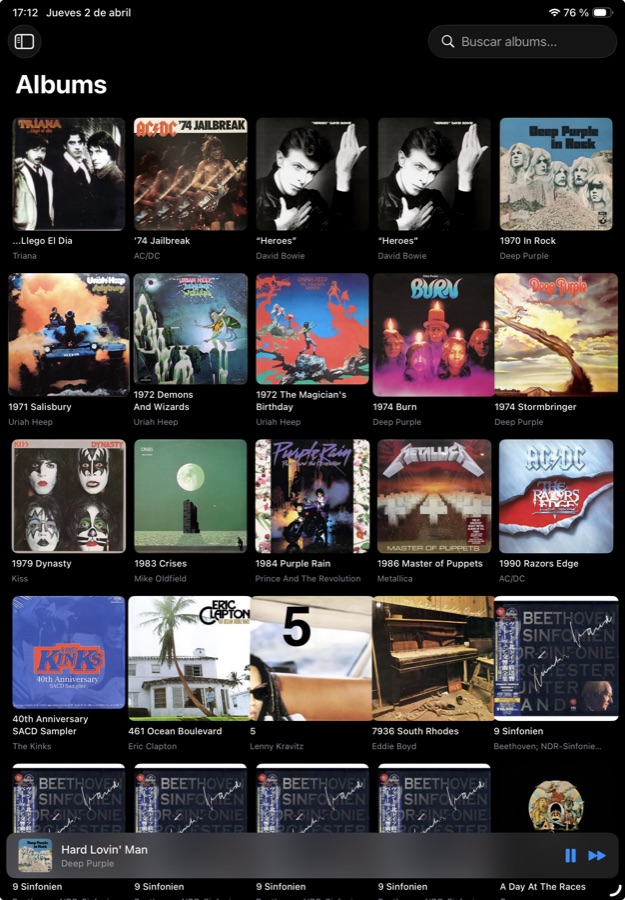 Album grid with cover art
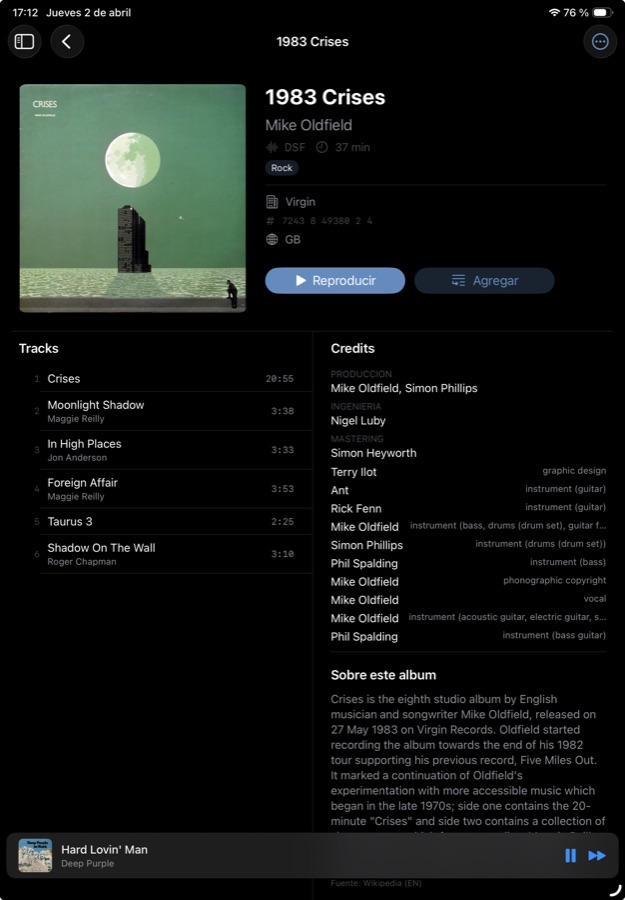 MusicBrainz credits & Wikipedia bios
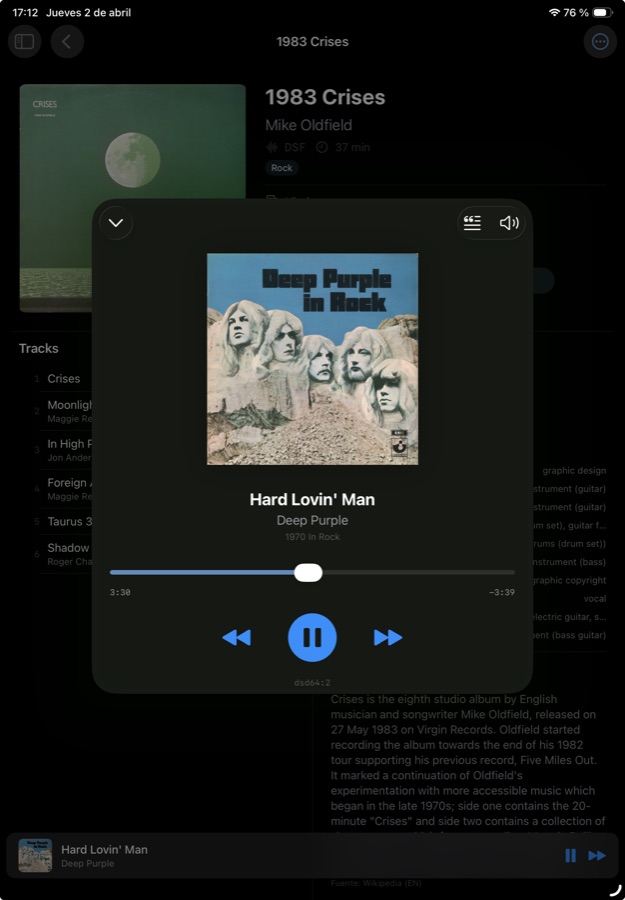 Full-screen Now Playing
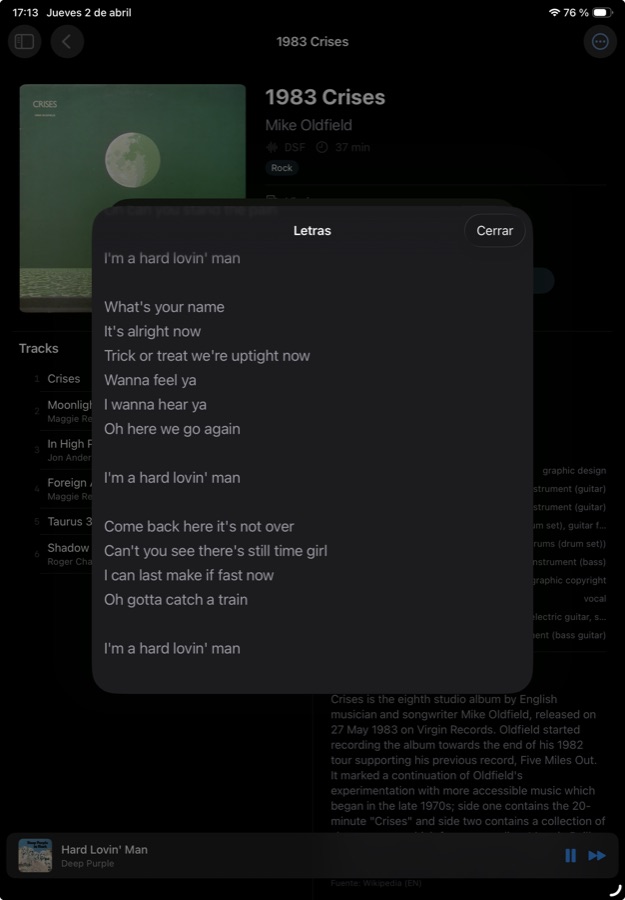 Synchronized lyrics via LRCLib
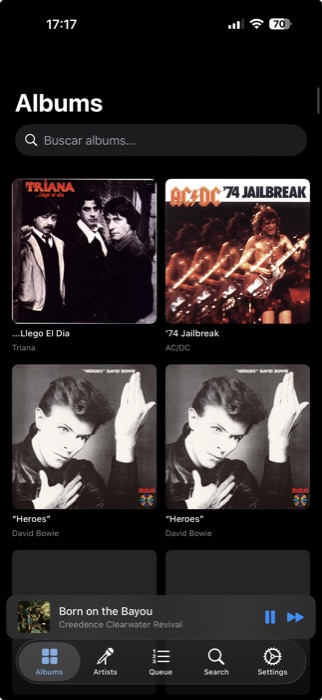 iPhone album grid
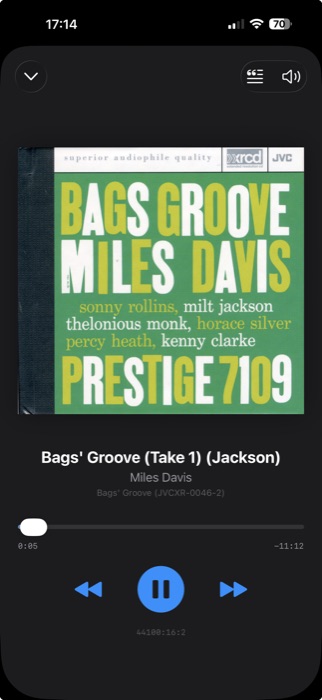 iPhone Now Playing
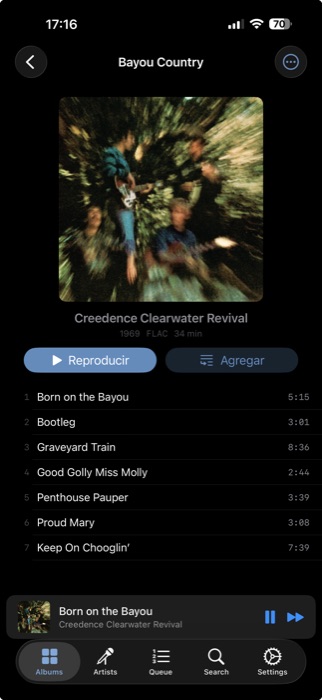 Album detail
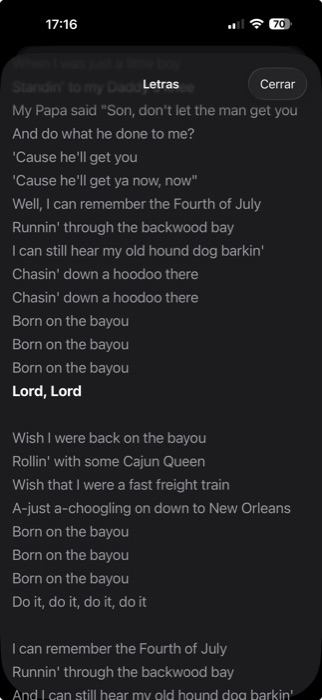 Lyrics on iPhone
Features
Album Grid
Browse your entire library with beautiful cover art from Last.fm, Discogs, and Cover Art Archive.
Now Playing
Full-screen artwork, playback controls, progress bar, and audio format info. Lock Screen & Control Center integration.
Synchronized Lyrics
Follow along with time-synced lyrics powered by LRCLib. Auto-scrolls as the song plays.
Queue Management
Drag to reorder, swipe to remove. Play albums or individual tracks with a tap.
Rich Metadata
Album credits from MusicBrainz, artist and album bios from Wikipedia — right in the album detail view.
iPad Optimized
Split-view navigation, two-column album detail with credits and bios. Designed for the big screen.
Apple TV
Cinematic Now Playing with blurred album art background. Browse and control your music from the couch.
Bit-Perfect Playback
Optional WebDAV mode streams files directly to your USB DAC at the file's native sample rate — no resampling, no transcoding. Setup guide.
Themes
Four visual themes to match your mood — Classic, Warm, Mono, and Vinyl.
Requirements
- iOS / iPadOS / tvOS 17.0 or later
- An MPD server on your local network
- Optional: Last.fm and Discogs API keys for cover art
- Optional: WebDAV endpoint for bit-perfect playback with a USB DAC — see Setup